
Download FreeText – Portable Notebook, To-Do Lists, Quick Notes, Productivity Tool
Overview
FreeText is a lightweight mobile application designed to serve as a portable digital notebook for on-the-go note-taking. Its primary purpose is to enable users to capture thoughts, create to-do lists, and record important information instantly, without the overhead of managing files or navigating complex interfaces. The app solves the common problem of losing fleeting ideas by offering immediate access and automatic data persistence. Ideal for students, professionals, and anyone seeking a frictionless way to manage quick reminders, links, or contact details, FreeText functions as a real-time digital notepad that integrates seamlessly into daily routines.
Target users include individuals who value speed and simplicity in their digital workflows. Whether jotting down a meeting agenda, saving a URL for later, or recording a phone number, FreeText ensures that nothing slips through the cracks. The app’s presence in the notification area enhances accessibility, making it a reliable companion for multitaskers and busy professionals. Although the developer did not provide additional background, the app’s longevity—first released in 2014—suggests a stable and well-maintained utility within the productivity ecosystem.
FreeText fills a niche for minimalistic, no-frills tools that prioritize function over form. In a market saturated with feature-heavy note-taking apps, it stands out by focusing on instant access and reliability. Its ability to operate without file management overhead makes it particularly valuable for users who need quick, secure, and consistent note capture across devices.
Key Features & Functionality
- Instant Access: FreeText opens with a single tap or click, allowing immediate data entry. This feature is ideal for capturing spontaneous ideas or urgent reminders without delay, ensuring users never miss a critical thought.
- Automatic Saving: Every entry is saved continuously in the background, eliminating the risk of data loss. This feature is especially beneficial during long sessions or when switching between tasks, as users can focus on content rather than manual saves.
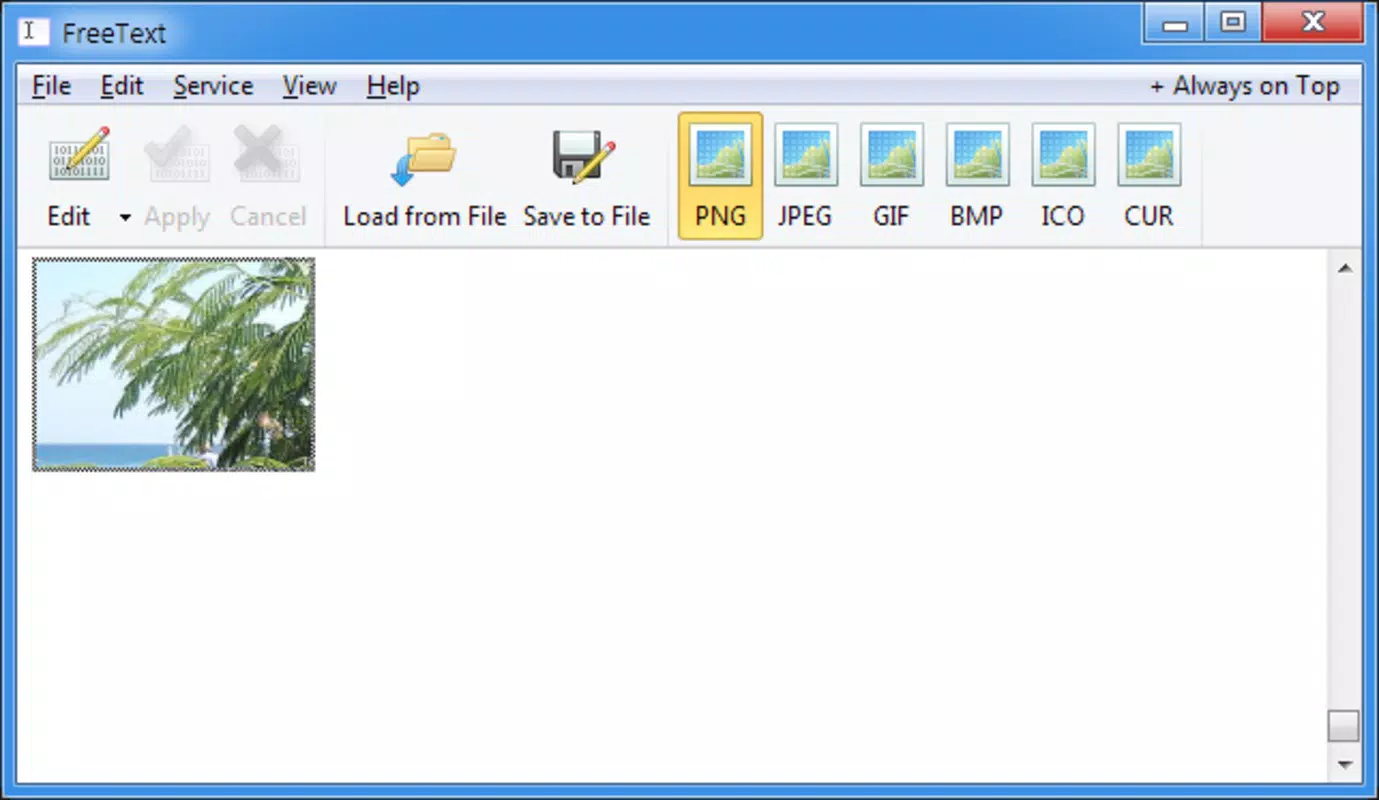
- File Management: The app supports importing and exporting files, enabling users to transfer notes between devices or back up data. This functionality enhances flexibility, allowing for seamless integration with other workflows or cloud storage systems.
- Clipboard Commands: FreeText includes standard clipboard functions—undo, redo, cut, copy, paste, delete, and select all. The unlimited undo capability allows for safe editing, making it easy to refine notes without fear of irreversible changes.
- Always Available: The app remains accessible in the notification area at all times. This persistent presence ensures that users can open it instantly, even when working within other applications, reducing context-switching overhead.
For example, a student might use FreeText during a lecture to record key points or URLs from a presentation, while a remote worker could quickly log a task reminder during a video call. The app’s simplicity and responsiveness make it a practical tool for real-world scenarios where speed and reliability are essential.
Interface, UX & Performance
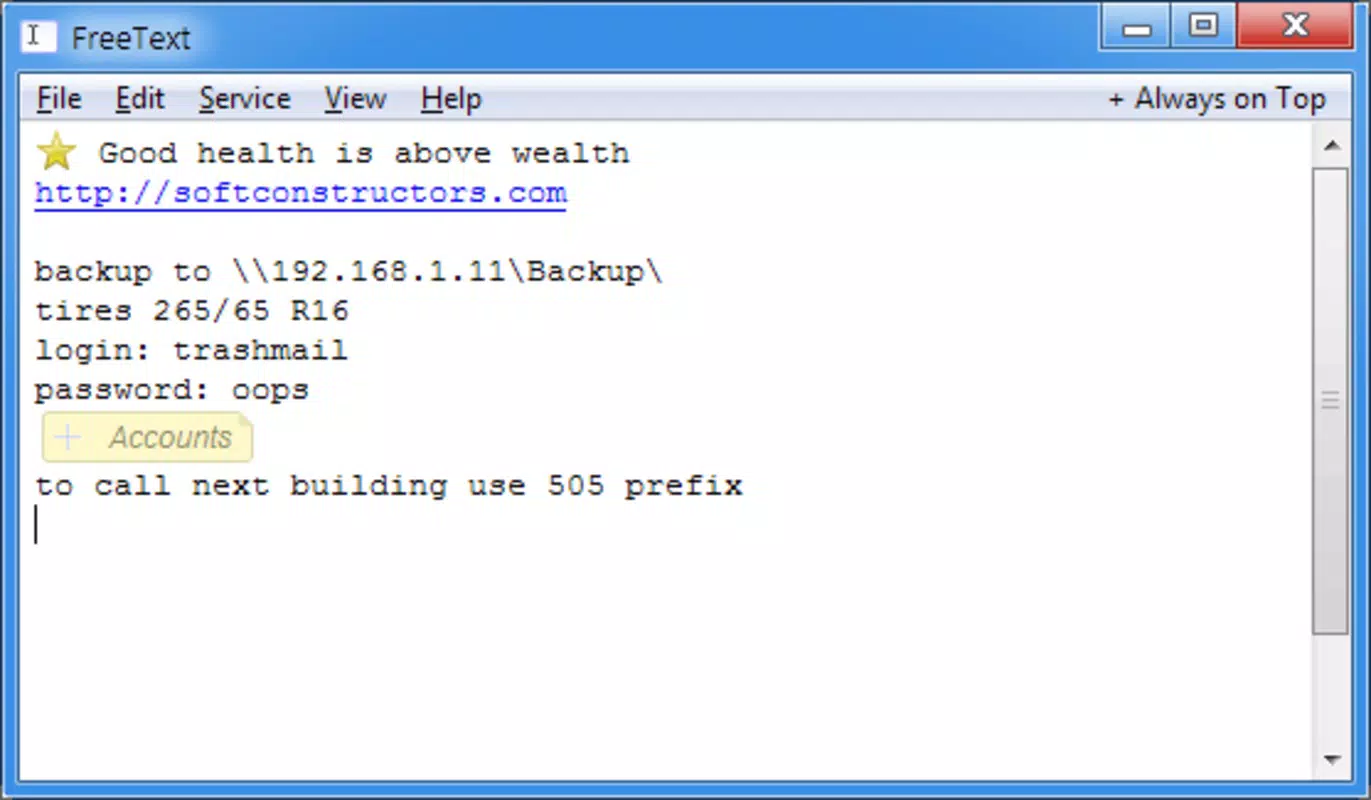
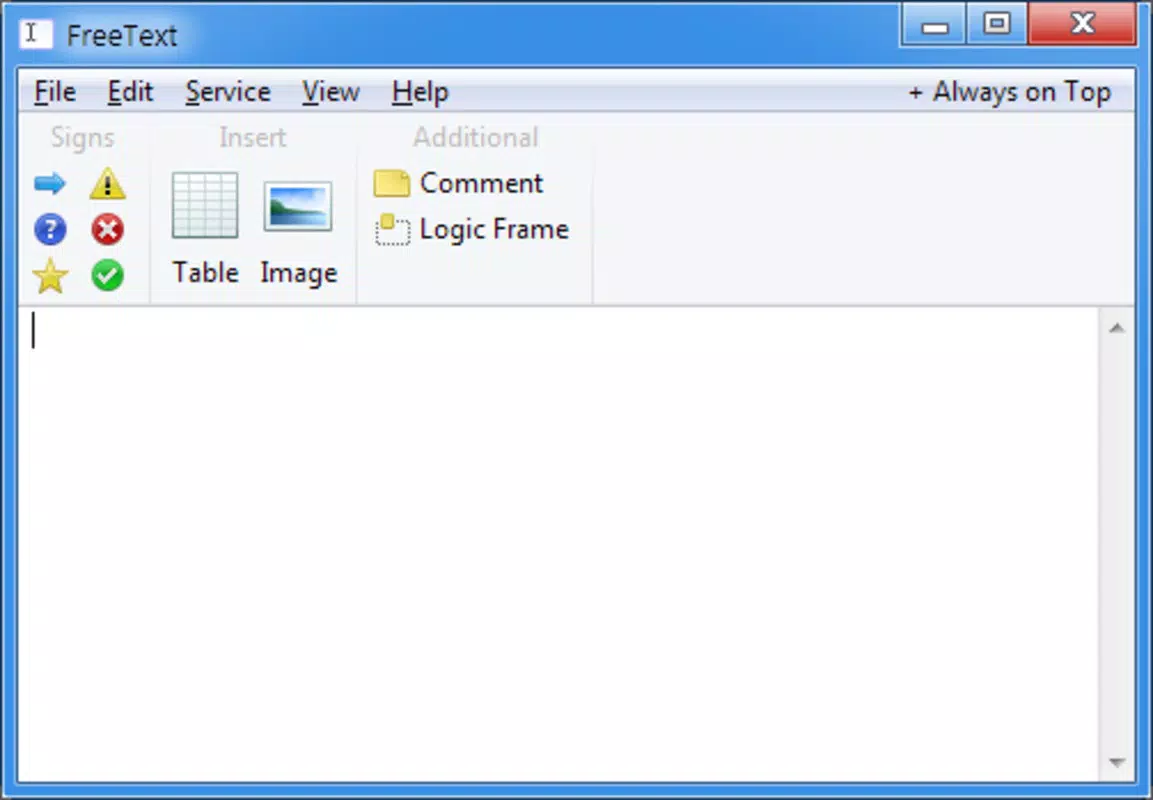
FreeText features a clean, minimal interface that prioritizes functionality over visual complexity. The layout is straightforward, with a single text input area and essential controls accessible through a compact toolbar. The visual style is utilitarian, designed to reduce distractions and keep focus on the content. Navigation is intuitive—users open the app with a single tap and begin typing immediately, with no setup or onboarding required.
Performance is optimized for speed and responsiveness. Although the developer did not list formal performance metrics, the app’s design suggests it operates efficiently across a range of device categories, from entry-level smartphones to high-end models. The interface remains stable during prolonged use, with no reported lag or crashes in typical usage scenarios.
Responsiveness is a core strength. The app reacts instantly to user input, with no noticeable delay between typing and display. This ensures a smooth typing experience, even during extended note-taking sessions. The persistent notification area icon provides a reliable access point, further enhancing usability. Stability is maintained through automatic saving and background processing, reducing the likelihood of data corruption or loss.
Platform Compatibility & Technical Requirements
FreeText is available on Android, supporting the latest versions of the operating system. The app has a file size of 1.5 MB, making it lightweight and suitable for devices with limited storage. The developer did not specify minimum OS requirements or version compatibility details, so users should ensure their device meets standard Android system standards.
Although the app is designed for mobile use, its desktop-like behavior—running in the notification area—suggests it may also be available on other platforms. However, specific compatibility information was not fully disclosed. Users should verify availability through official app stores or developer channels.
Pros and Cons
Pros
- Instant access to note-taking with a single tap
- Automatic saving prevents data loss
- Supports file import and export for easy sharing
- Includes full clipboard functionality with unlimited undo
- Always visible in the notification area for quick access
- Lightweight design with minimal storage footprint
Cons
- Developer did not provide detailed technical specifications
- Compatibility with older Android versions was not confirmed
- Interface lacks customization options
- No built-in cloud sync or backup feature
- Limited visual design compared to modern note-taking apps
FAQ
Is FreeText available for iOS?
The developer did not specify iOS compatibility. The app is confirmed for Android, and availability on other platforms remains unclear.
Can I use FreeText without an internet connection?
Yes, FreeText functions fully offline. All note-taking and saving occur locally on the device, making it ideal for use in areas with no connectivity.
Does FreeText support cloud backup?
The developer did not mention cloud synchronization or backup features. All data is stored locally on the device.
How often does FreeText update?
While the app was first released in 2014, the developer did not provide information about update frequency or release schedule.
Is FreeText secure for storing sensitive information?
As a local-only app, FreeText does not transmit data to external servers. However, the developer did not provide details on data encryption or security protocols.
Final Thoughts
FreeText remains a compelling choice for users who value simplicity, speed, and reliability in their note-taking experience. Its ability to open instantly, save automatically, and stay accessible in the notification area makes it a powerful productivity tool for quick, on-the-go entries. While it lacks modern features like cloud sync or visual customization, its core functionality is executed with precision and consistency.
For students, professionals, and anyone managing a fast-paced schedule, FreeText delivers real value without unnecessary complexity. It’s a secure, lightweight, and efficient utility that fits seamlessly into daily routines. If you’re looking for a no-frills, instant-access notebook that just works, FreeText is an excellent option.
Download FreeText now


